For streamers
Twitch Chat Games: 12 Games Your Chat Can Play
The best streams turn watchers into players. These are games your viewers play from chat while you stream, what chat does in each one, and the command that starts it. Every one runs on GameShuffle, with a piece for your OBS overlay.
Chat Brain
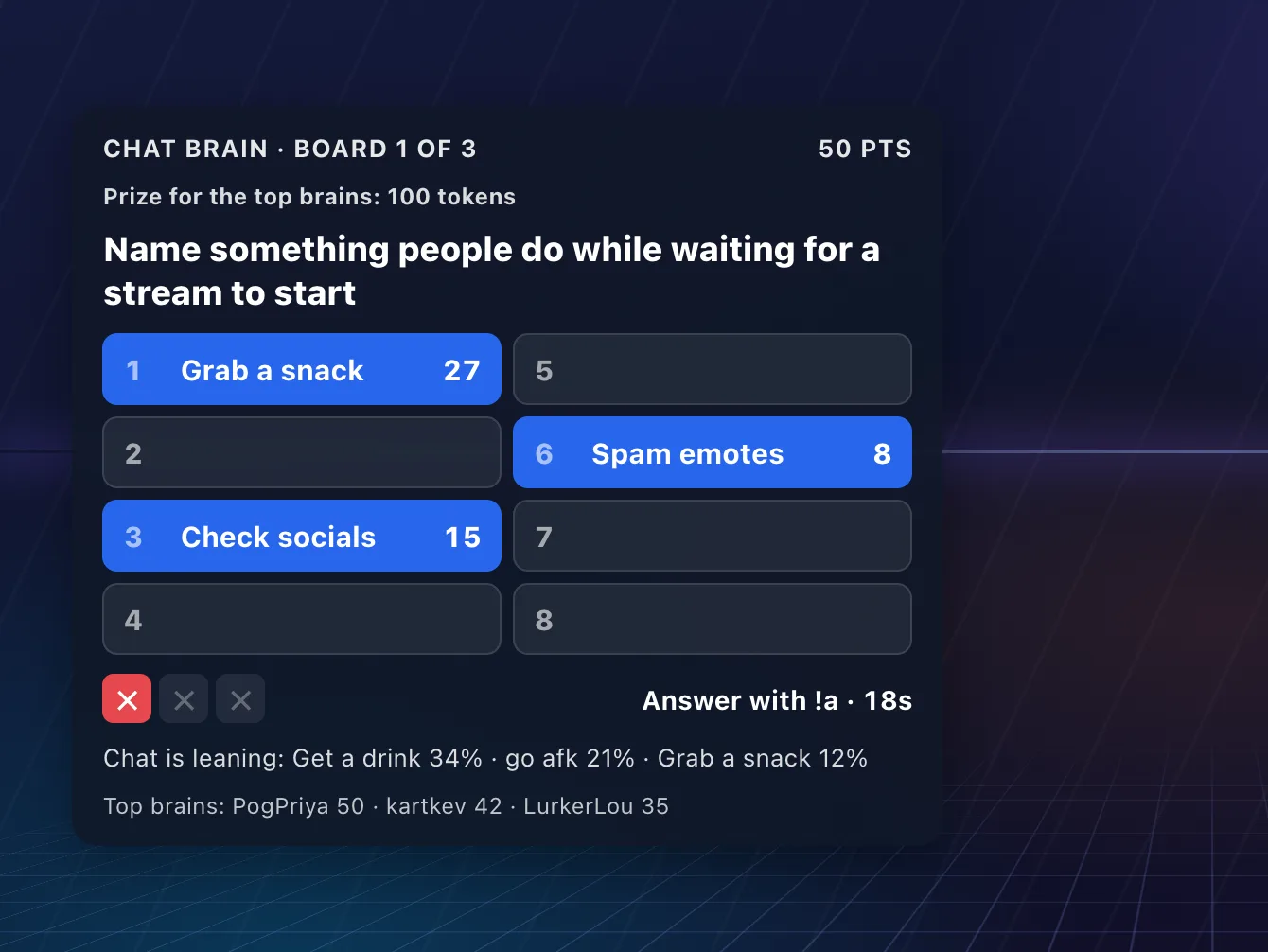
A survey game built from real people's answers. Chat names the most popular answers on the board, one short window at a time; three strikes and the board is over. Play chat against the board, 1v1 or teams with chat helping, a speed round where the first viewer to name an answer takes its points, or your chat against another streamer's.
- Start it
!cb start- Chat types
!a pizza- Good for
- Any game, and Just Chatting
Trivia night
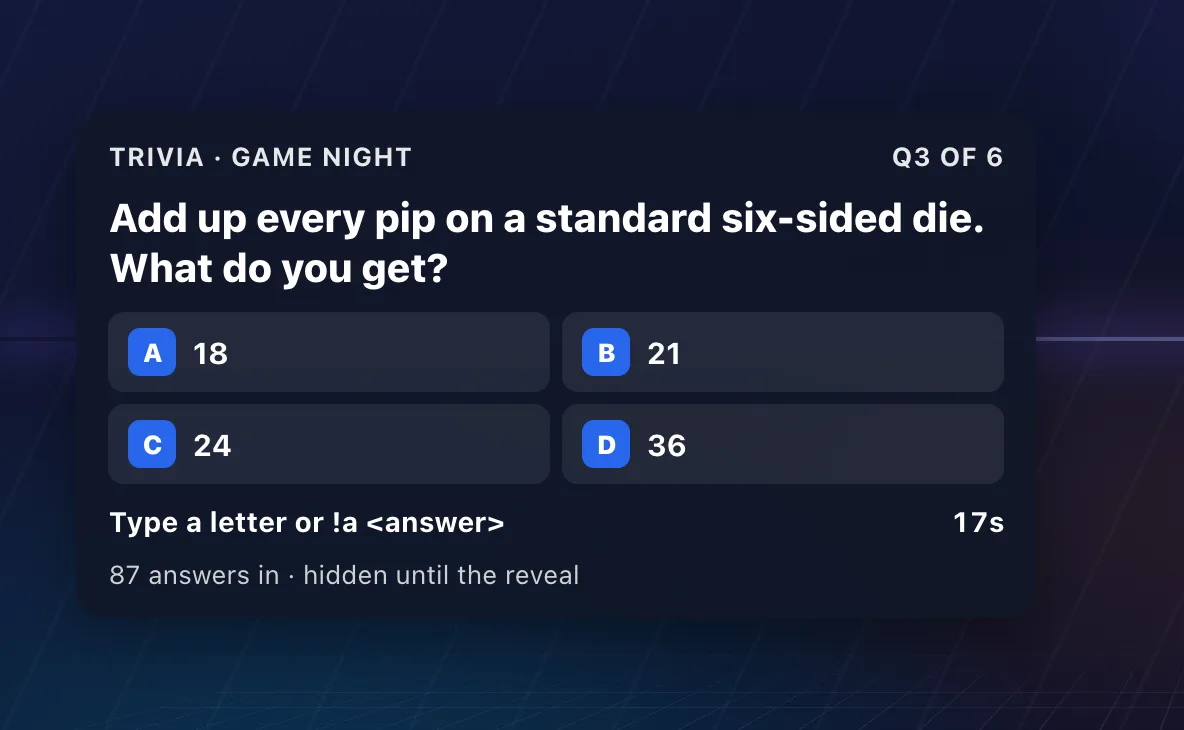
Build a trivia night and play it on stream. Every viewer is their own team: they answer in chat or on your live page, and the overlay shows the question, the clock and the standings. Fill the rounds from our checked question pack or your own questions.
- Start it
- Play it on my stream, in Trivia nights
- Chat types
!a 1985or just b on a multiple choice- Good for
- Any stream
Stream Bingo
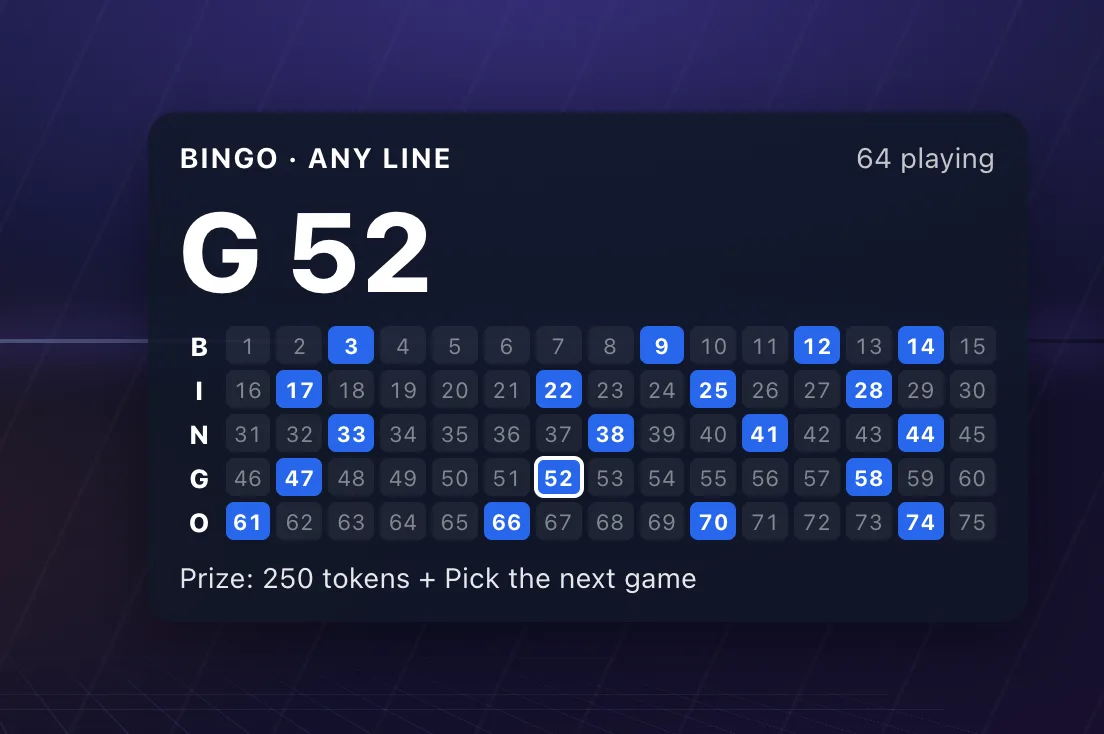
Viewers grab a card while the doors are open, then numbers get called on a timer. The first real bingo wins (every claim is checked against the numbers called), with a token prize or one you name. Pick a pattern: a line, four corners, blackout or your own.
- Start it
!bingo start- Chat types
!bingocardthen marks it on your live page- Good for
- Any stream, and breaks
Live polls
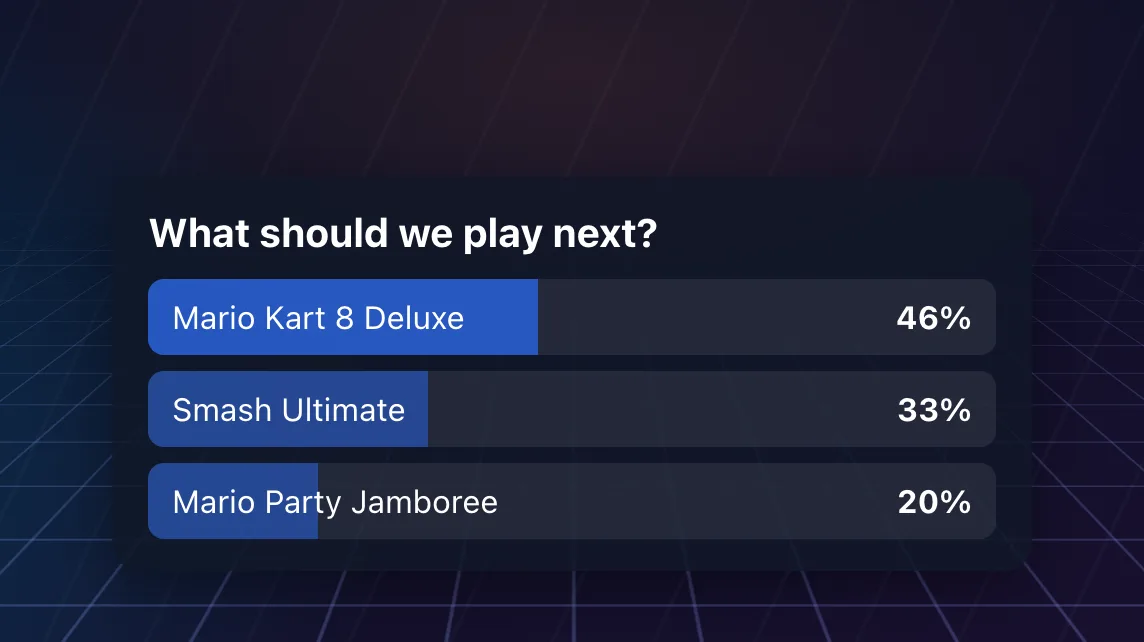
One poll across Twitch chat, your Discord and your live page. Viewers vote with a number and the overlay shows the tally moving. Close it by hand or on a timer.
- Start it
!poll Next game? | Kart | Smash- Chat types
!vote 2- Good for
- Any stream
Chat Draft
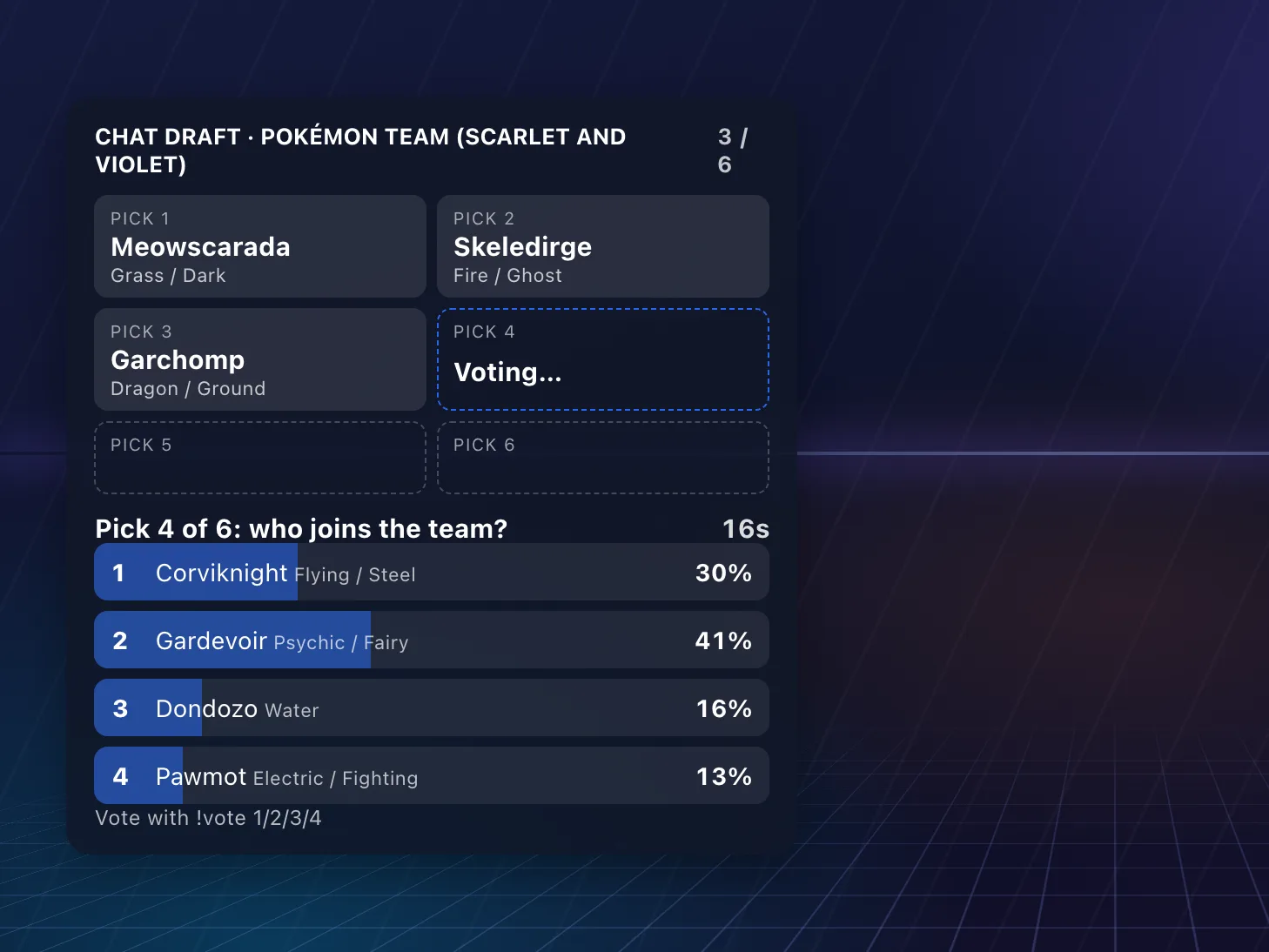
Chat builds your team one pick at a time. Each pick is a quick vote between a few random options that fit the rules: a Pokémon team with no repeated types, a Mario Kart build, a Smash stage list or three fighters. Or run captain mode and let two captains draft players into teams.
- Start it
!draft start pokemon- Chat types
!vote 3- Good for
- Pokémon, Mario Kart, Smash
Who Said It?
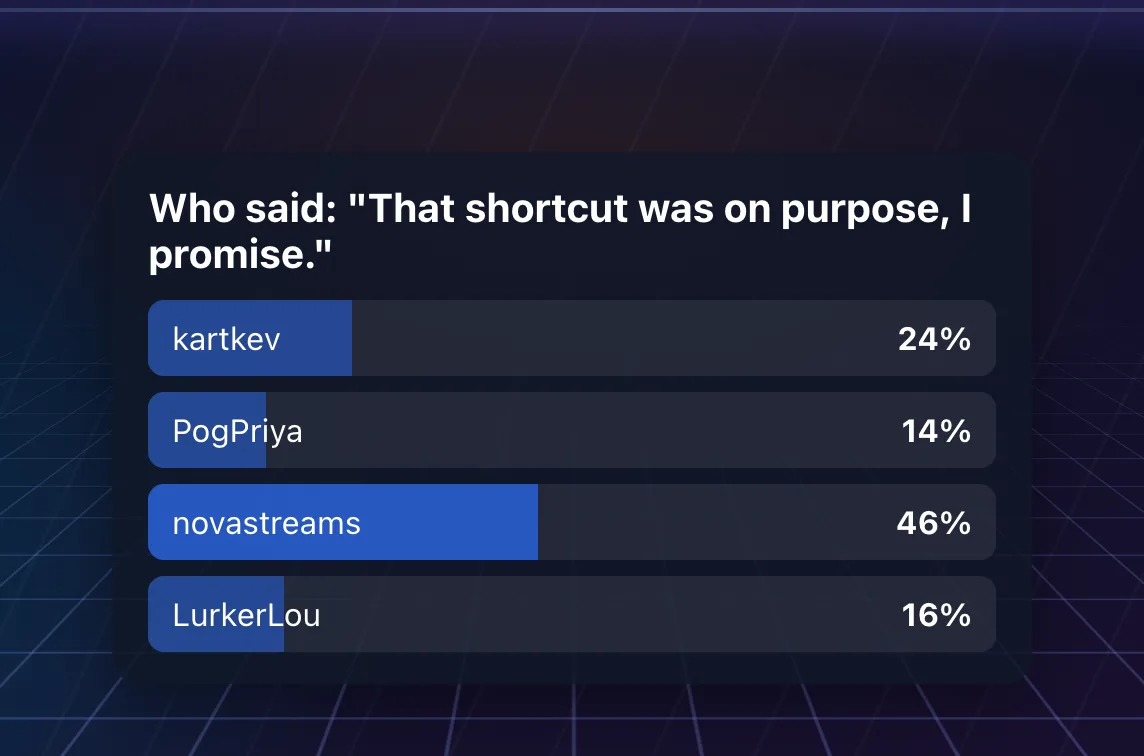
Pulls a line from your channel's quote list and chat votes on who said it. Quotes come from your own chat, so the best ones are inside jokes.
- Start it
!whosaid- Chat types
!vote 1(add quotes with "!quote add The line - Name")- Good for
- Any stream with a quote list
Viewer battles
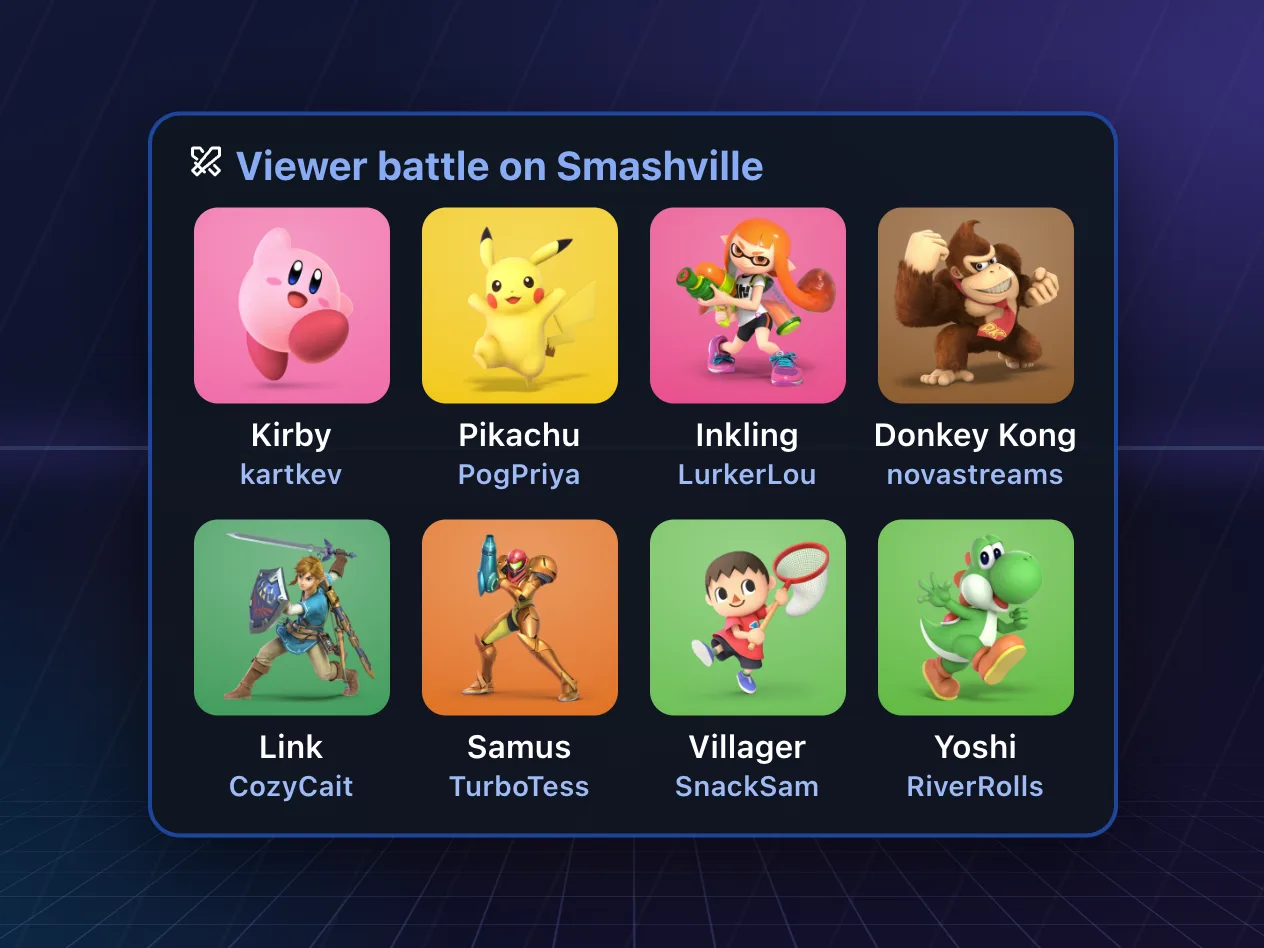
Viewers join your lobby, then one command rolls everyone at once: a character for each player (and a kart in Mario Kart), shown as a lineup on screen. Then play it out in a viewer lobby.
- Start it
!gs battle- Chat types
!gs join- Good for
- Mario Kart, Smash, Mario Party, Splatoon, Kirby Air Riders and more
Break mode
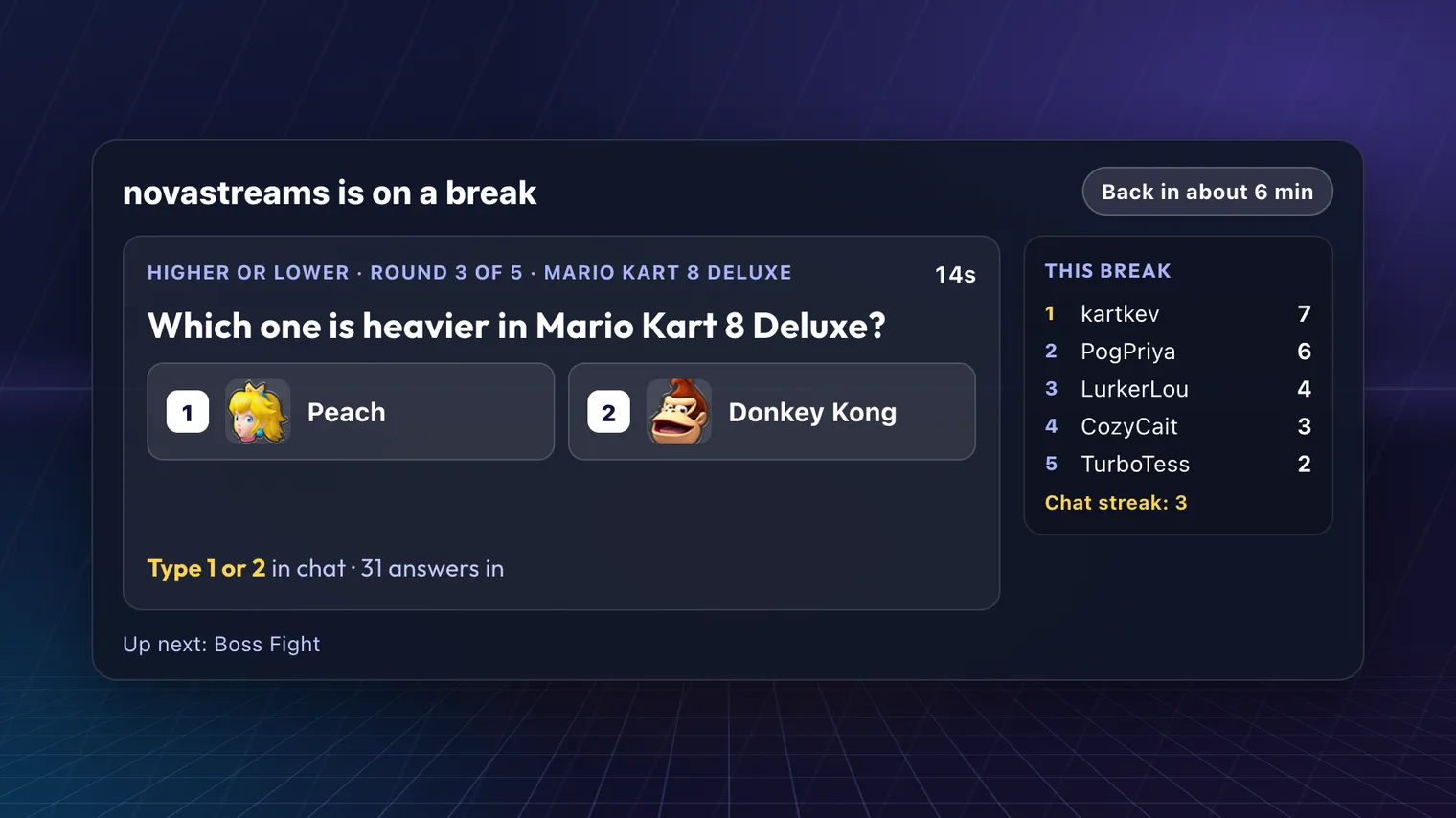
Stepping away? Games run themselves while you're gone: Higher or Lower, Boss Fight, Kart Derby, Five Letters, Roster Rush and more. Chat plays right in chat, and a break champion is waiting when you're back.
- Start it
!gs brb 10- Chat types
- Answers straight into chat
- Good for
- Any stream
Wheel spins
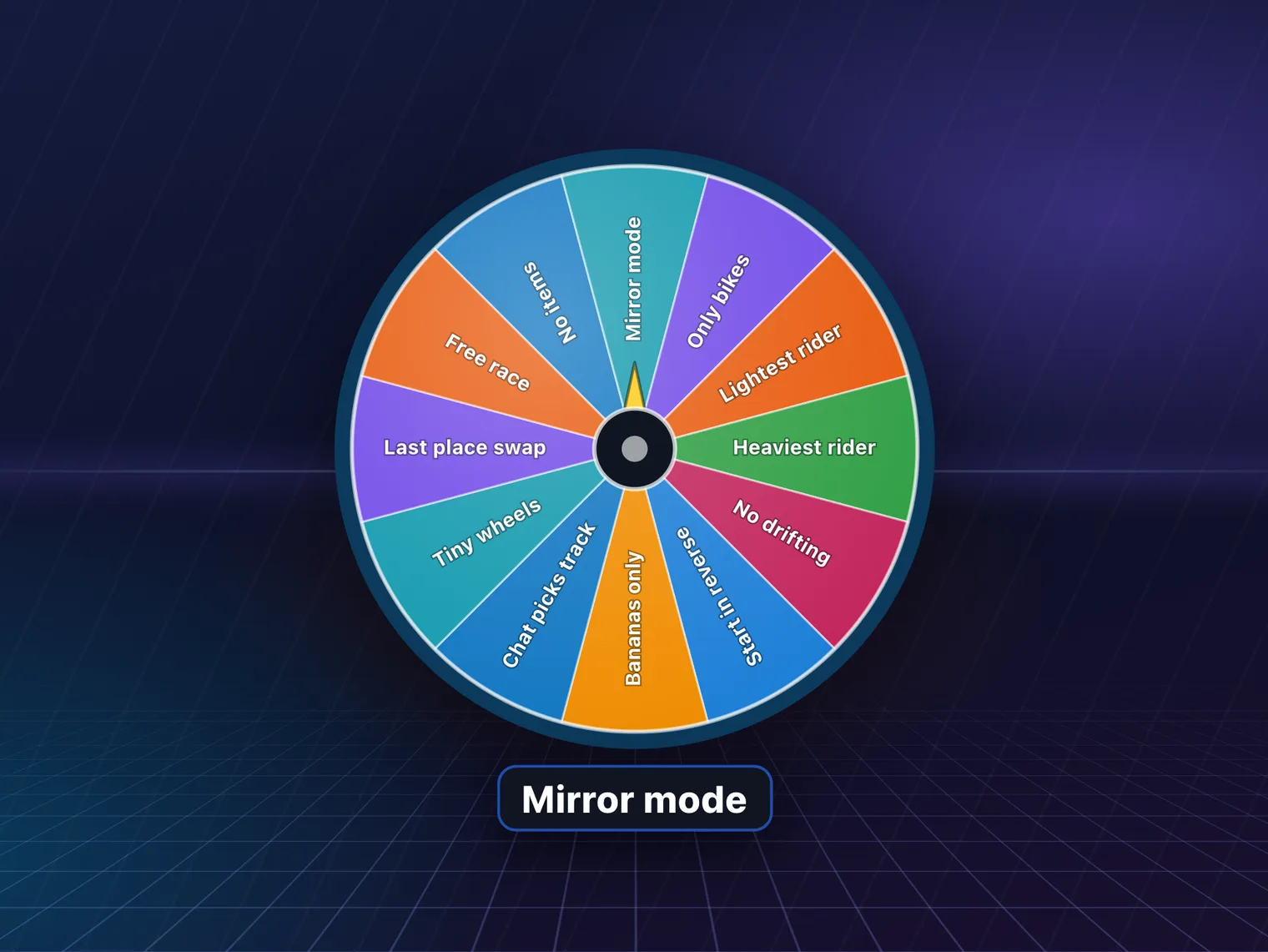
Spin one of your wheels on screen: challenges, punishments, the next game. The result goes to chat only when the wheel lands, so nobody spoils it.
- Start it
!spin- Chat types
!wheel add Sing a songmods add to it- Good for
- Any stream
Chaos events
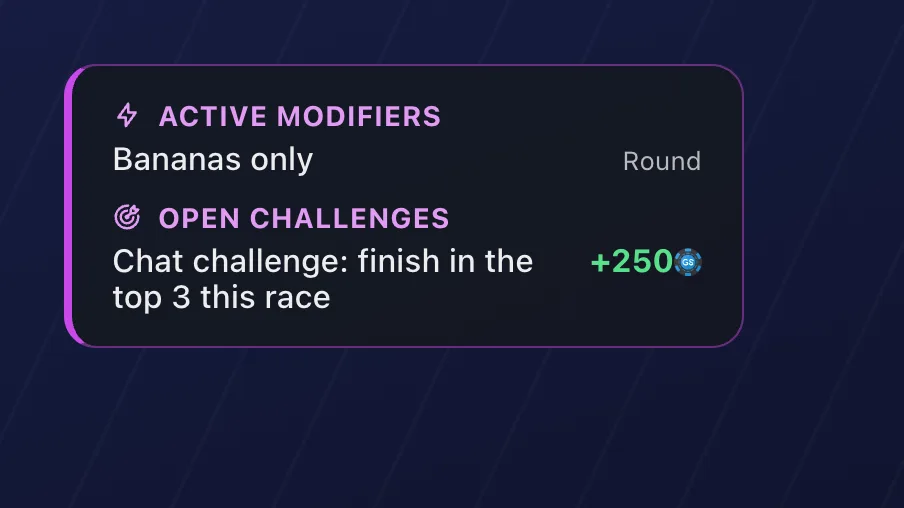
Viewers spend their tokens to throw an event into your run: a handicap, a challenge or a rule for the game on stream, drawn from your deck. Viewers opt in first, and you choose what's in the deck.
- Start it
- Viewers start it
- Chat types
!chaosor !random- Good for
- The games in your event deck
Bounties
Post a token reward for the viewer who pulls something off ("beat me in the next race"), then hand it to whoever did it with !gs bounty award @name. Paid from your monthly token allowance, never real money.
- Start it
!gs bounty 500 beat me in the next race- Chat types
- Goes for it in your viewer lobby
- Good for
- Any game you play with viewers
Picks and bans
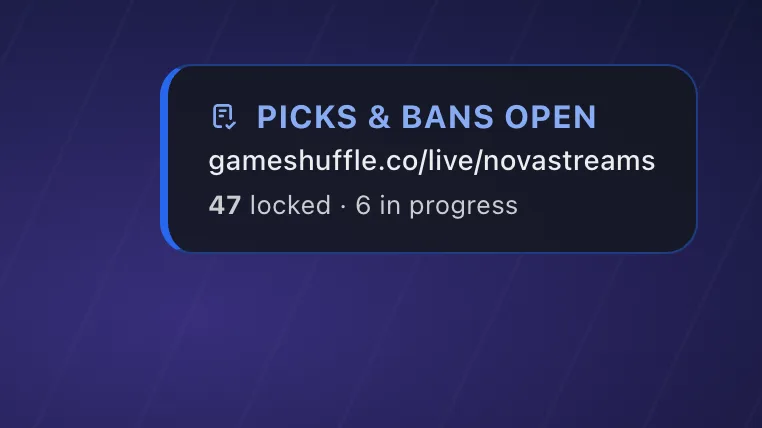
For Mario Kart: open a round and chat picks and bans tracks for the next race; the most-voted ones count. Viewers can vote on your live page too.
- Start it
!gs picks open- Chat types
!gs pick wario stadium- Good for
- Mario Kart 8 Deluxe, Mario Kart World
Play them on your stream
Connect Twitch in GameShuffle and the games are ready: the bot joins your chat, one browser source adds the overlay to OBS or Streamlabs, and your live page lets viewers play along from their phones. The streaming tools are part of GS Pro.